Tutorial
How to Track Refrigerant, Tools, Keys and Equipment in One Simple App: REFit
Are you losing margins to "close enough" measurements? From expensive refrigerant leaks to misplaced tools and lost keys, inefficiency adds up fast. It's time to stop guessing and start measuring what matters.
How to Add Technicians to the REFit App: Digital Refrigerant Logs & Team Management
To invite a technician to your REFit team, log in to your contractor account, navigate to the "Manage Technicians" dashboard, and enter their email address to send the invitation.
Getting Started with the REFit App: How to Join Your Team & Start Tracking
To accept a REFit team invitation, locate the email from REFit, verify the contractor's details, and click the acceptance link to either log in to your existing account or create a new one.
Mastering Cylinder Inventory: Track Refrigerant & ODS Logs with the REFit App
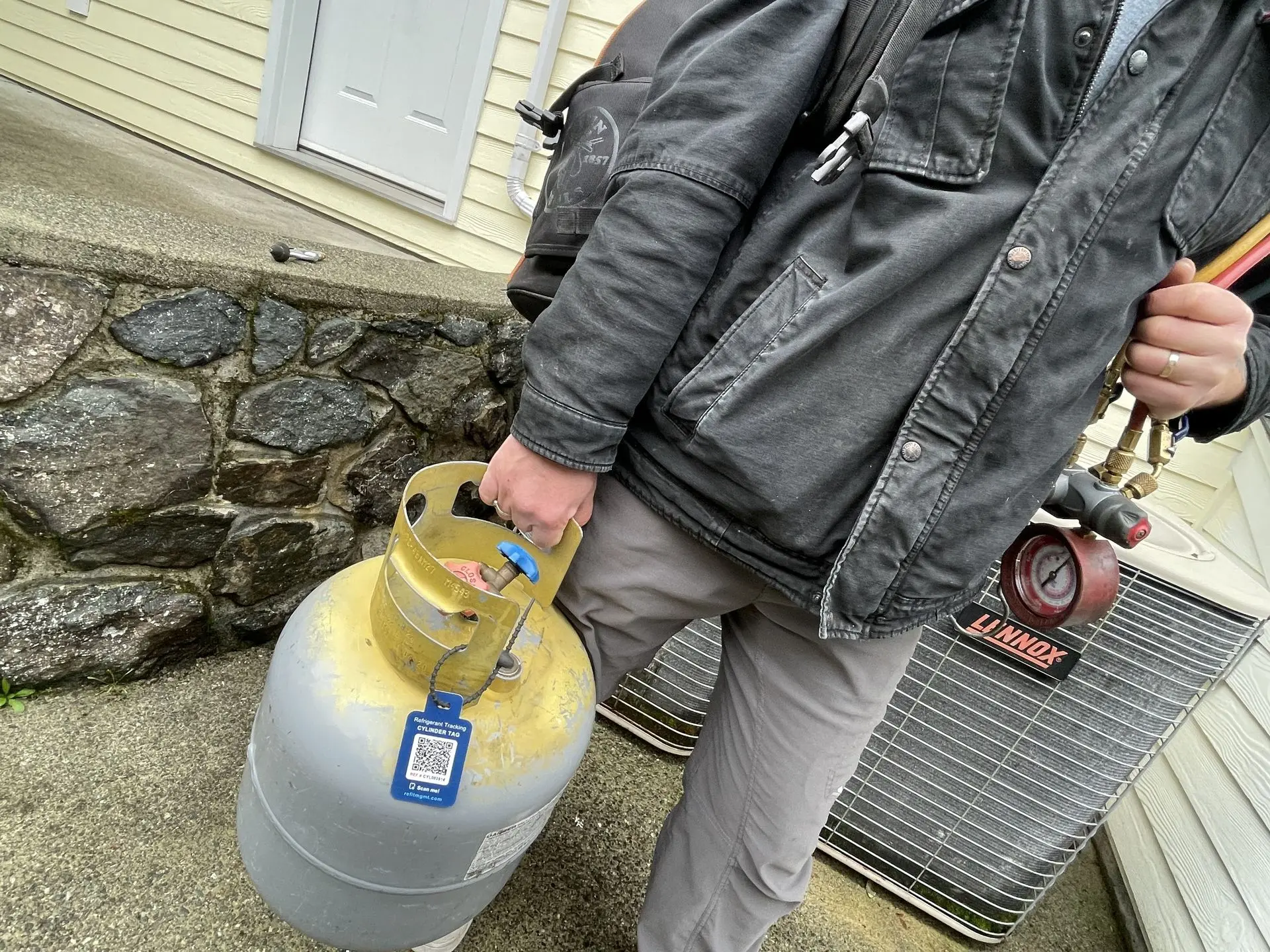
To track refrigerant usage via the REFit QR tagging solution, navigate to the "Cylinder Inventory" dashboard to locate specific cylinders and view their detailed transaction history, including digital ODS sheets and technician activity.
How to Register REFit QR Tags: Instant HVAC Equipment History & Tracking
To register equipment using REFit QR tags, attach the tag to the unit, scan it with the REFit app (or take a photo if scanning fails), fill out the equipment details and refrigerant type, and submit the form to access the equipment dashboard.
Learn more about our solution
Ready to see REFit in action? Contact us today for a personalized demo. Discover how our solution simplifies workflows for your technicians and drives significant cost savings for your business
Contact Us